Technology

Steps to Building a Custom Product

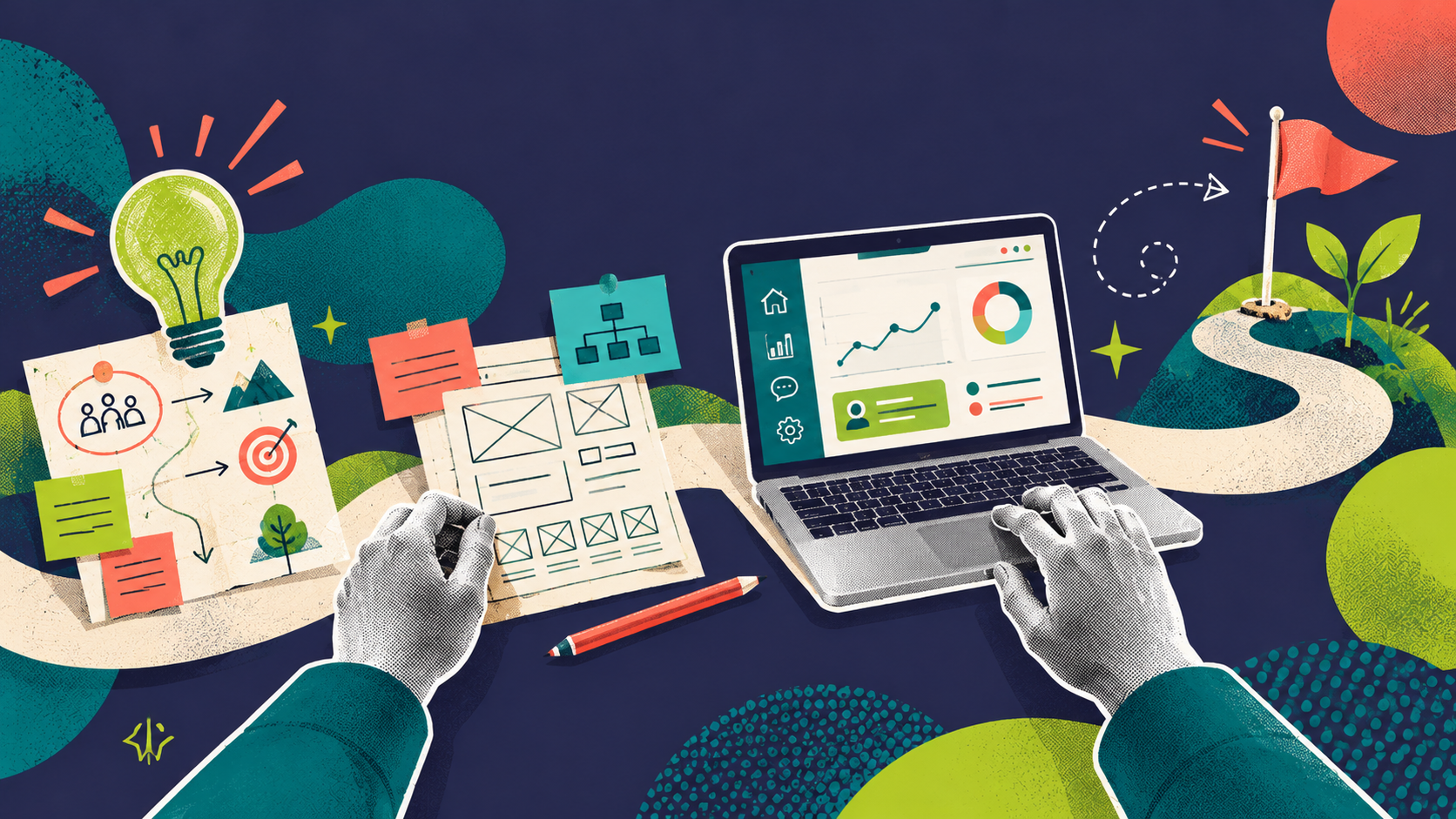
A paper path connects discovery sketches, a digital product and continued growth.
AuthorCMG
Date27 October 2026
Reading time6 minutes

Inspired by our experience working with many clients who require custom development, here’s how the journey from idea to custom-built product actually looks like.

You might have a clear pain point in your day-to-day work: the available tools on the market are not meeting your needs or maybe your company has outgrown the current platform or you’ve tried three different SaaS tools and none of them talk to each other properly.

That’s usually where the conversation about building something custom products begins. And while it sounds exciting, it can also feel overwhelming for someone who has never done it before. So let’s break down how we approach such projects.

Step 1: Discovery

Before anyone opens their code editors, we sit down with the client. Like when you’re trying to solve a private problem, you need to understand what’s not working and what outcome would please you. We call them discovery sessions.

These sessions are intentionally unstructured at first. We want to hear the complaints in plain language, not filtered through technical specs or laid out in sales presentations. We need to start from the ground up and understand the back story of these frustrations. Therefore, we start with questions like:

  • Who uses this product the most and what for?
  • What could help you in speeding up your day-to-day tasks?
  • Why are you not satisfied with the current solution?

The goal of the discovery phase is to understand the problem well enough to know what we’re actually solving.

Then once we have a clear picture of the current state, we map it out. Depending on the complexity of the problem we are trying to solve, we could start with a service blueprint which is essentially a visual document that shows how the current processes flow: what are the user journeys, what happens behind the scenes of the user using the product, and where the handoffs between people or systems occur.

This step is where things get interesting and concise. When you visualize a process end to end, you find gaps that nobody had noticed, or thought of before, or bring clarity to an overcomplicated process. For example, something that seemed like a technical problem turns out to be a process problem, or vice versa. Furthermore, it helps driving conversation further and defining the requirements for the future product, while minimizing misunderstanding down the road.

Therefore, the service blueprint becomes our shared reference point. Clients, stakeholders, managers, developers, designers are looking at the same picture.
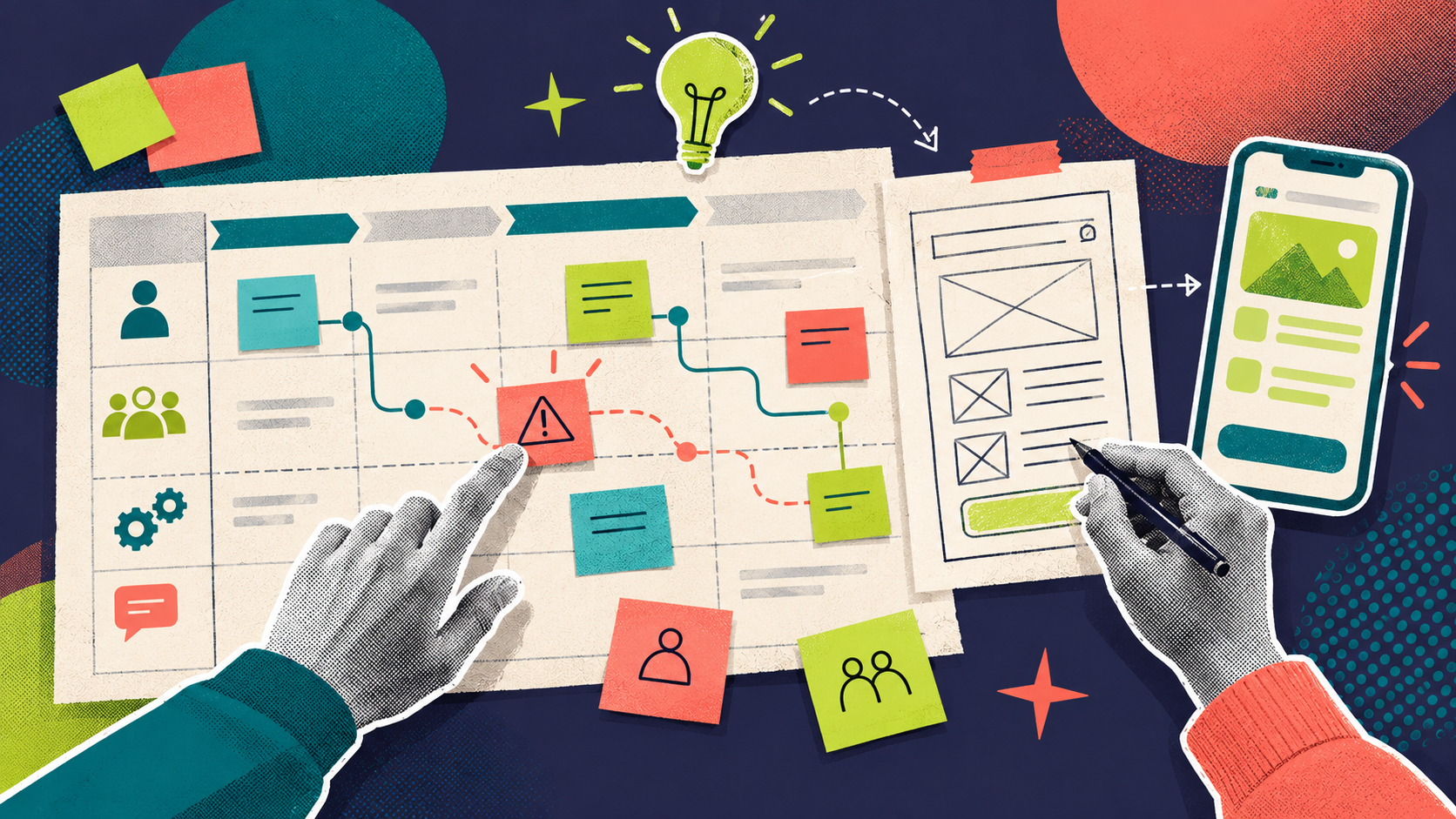

Two hands map a service journey and turn a discovered problem into a prototype.

Step 2: Design

We might have defined the product requirements, but we do not start building the product until we agreed on what it will look like.

Meaning, before the actual development begins, we prepare the groundwork by:

  • Defining the product tree (or sitemap)
  • Defining the layout (or wireframes)
  • Creating the assets and content needed
  • Creating the design of each page with its components

Lastly, having all that, we often build interactive demos, which are clickable prototypes that let real users try the flow and give feedback. Reason being? It’s much cheaper to change a prototype than to rework built features.

These demos also help our clients realize things they didn’t know they wanted. Meaning it’s not unusual for a demo session to completely shift the direction of a feature, which is still a good thing in this project phase.

Step 3: Development

With a validated blueprint and approved design, we move into development. However, it’s worth noting that our development team is not seeing the design for the first time here. As we saw in the Discovery phase, developers are involved from the beginning. They follow the whole process to ensure technical considerations have been taken into account.

When it comes to ways of working, we adapt to the needs of the project and the client. We can follow a more linear process, where development is completed first and testing happens once the full scope is built. We can also work in iterations, with smaller releases, regular reviews, and client testing happening throughout the project cycle. From our experience, the iterative approach is often better when the product is complex or when we expect the requirements to evolve, because feedback can be implemented earlier and the development team can adjust features before too much code has already been built on top of them. Depending on the project, these iterations may include development only, or they may bring design and development together in the same cycle so the whole team stays aligned and moves as one.

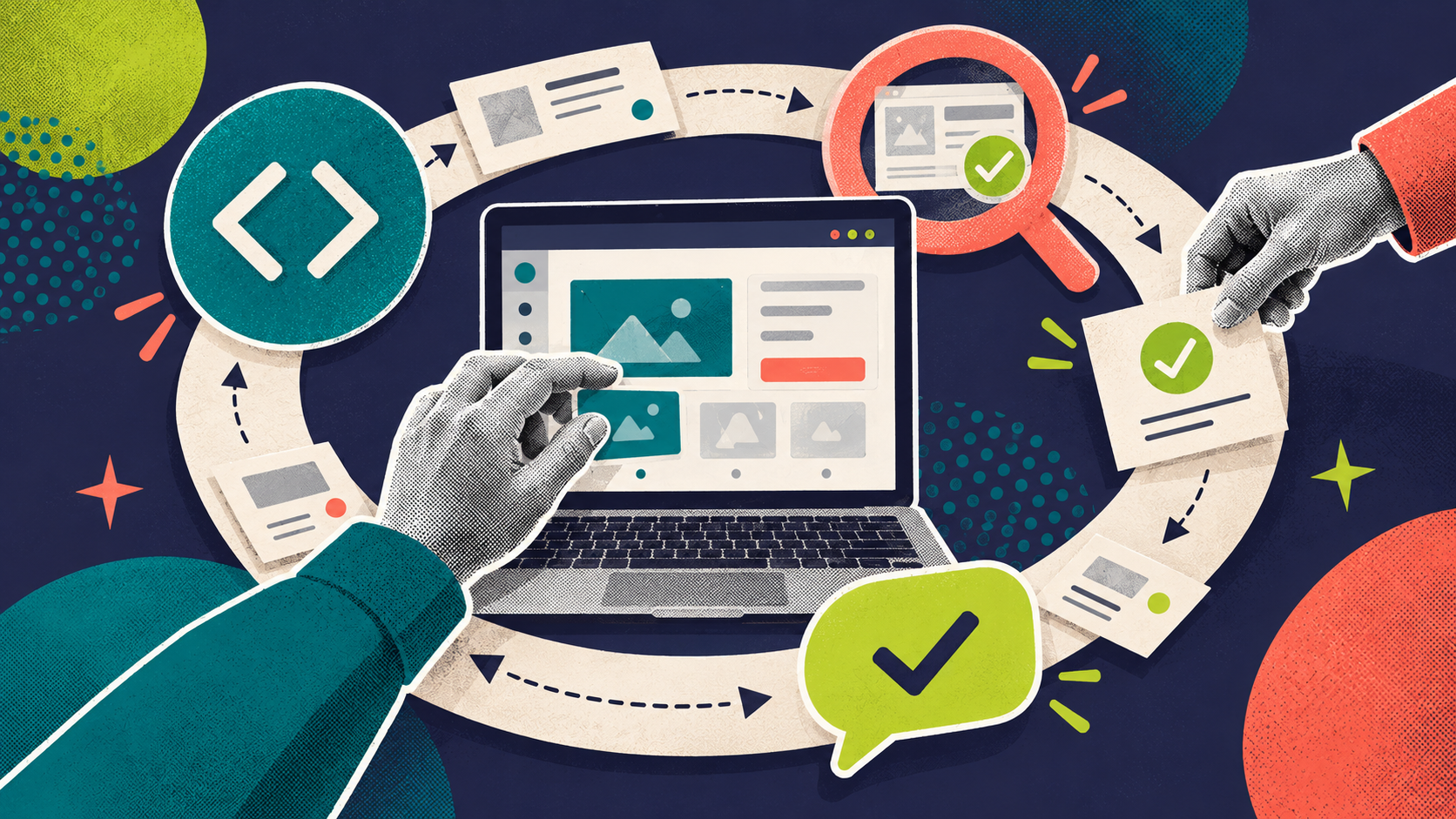
A digital interface sits within a collaborative cycle of development, testing and feedback.

Step 4: What comes after the launch?

So the big day has arrived: the product is ready to be released to its target audience. But launch is not the end of our collaboration. And we are not saying this because we want to issue more invoices. We are saying it because a digital product needs to be maintained. Technology moves forward, dependencies change, systems get updated, and if the product stays behind, bugs start to appear. Eventually, that affects the user experience.

That is why we usually recommend planning a maintenance model from the start. Not to overcomplicate things, but to make sure the product remains stable, usable, and up to date over time.

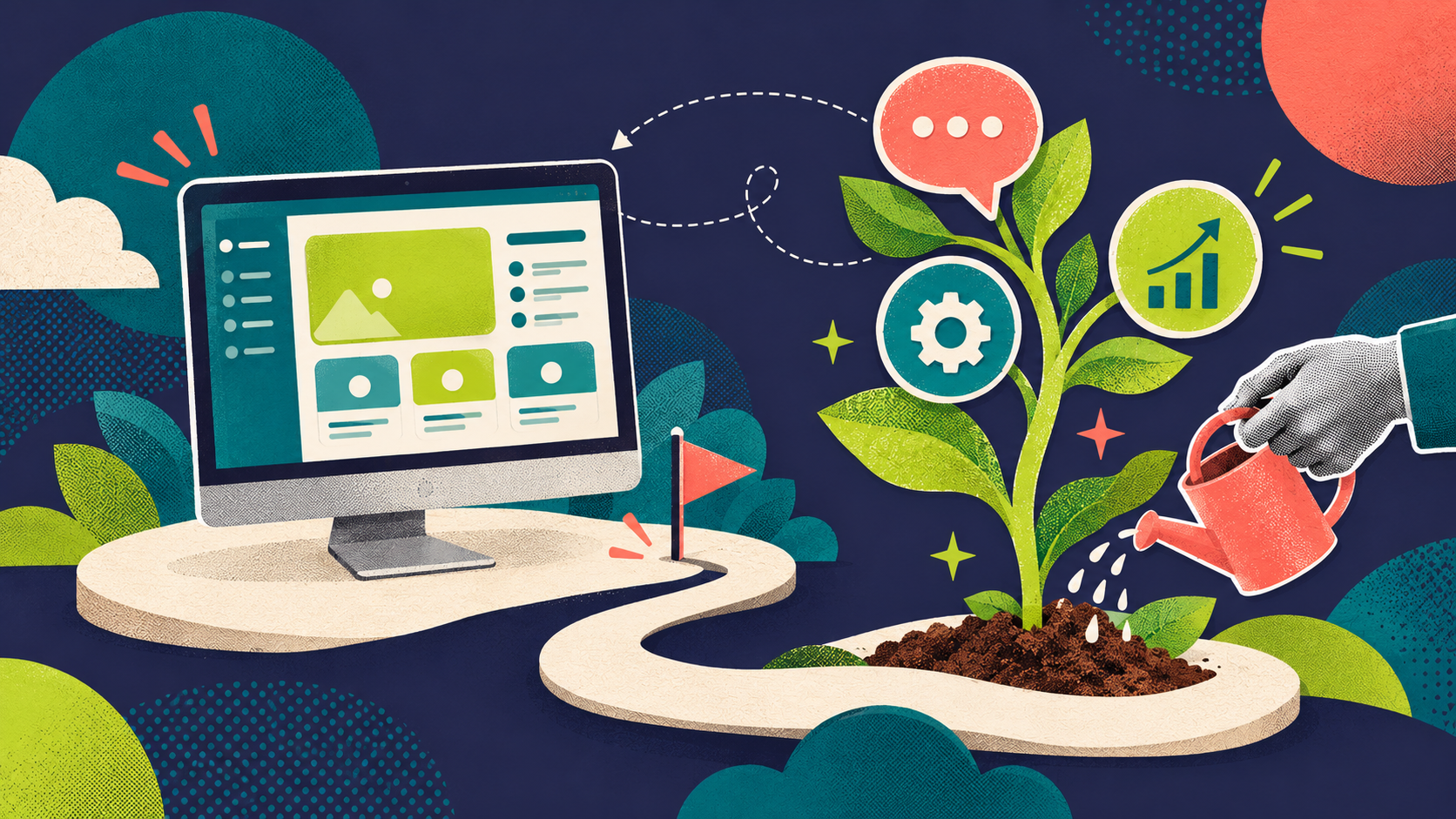
A launched digital product continues to grow through maintenance, feedback and improvement.

And then there is the next question: what happens when users start asking for improvements? This is where we can still support. We can plan and implement new features, but we can also help with focus groups, research, product audits, and updates based on real user feedback. The same goes for data. We can set up tracking on key features so we understand how people actually use them, where they get stuck, and what needs attention next. That data is only useful if someone knows how to read it, so we help translate it into clear next steps.

A good product should not only work on launch day. It should keep improving as the market, the business, and the users evolve.

References

  • Discovery Phase in Software Development – Acropolium
  • From Concept to Creation: Mastering the Discovery Phase – Intellisoft
  • The Discovery Phase: Key to Successful Product Development – Spiral Scout
  • Discovery Phase Guide: Key Steps, Deliverables, and Costs – SolveIt
  • Product Discovery Process – Andersen Lab